iPhone, iPad and Mac
Lay out a plan as nodes and wires.
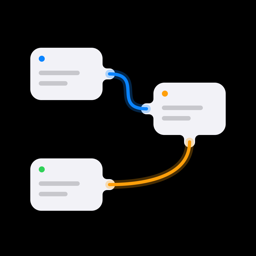
iStrategy gives each project an open canvas that scrolls in every direction. Add text and image nodes, place them anywhere, and drag cables between them to show how ideas connect.
Nodes
A node holds one item: a text block of any length, or a single image from Photos or Files. Drag a node by its top bar to move it, and give it a color to group related ideas.
Wires
Every node has an external connection point on each side. Drag from one to another node's connection to link them. Tap a cable to change its color or remove it.
Open canvas
Pan anywhere, pinch or use the zoom controls, and press Recenter to bring all of your nodes back into view.
Projects
The project browser shows a preview of every board. Each project keeps its text, images, layout and last view on your device.
Questions
Visit Support or email orion.ai.support@gmail.com.
Free and Premium
Create up to two projects with five nodes each for free. iStrategy Premium is a one-time purchase that unlocks unlimited projects and nodes. The App Store shows your local price.